Back to homeGet it on Google Play
Image 2 PDF
Turn photos into a PDF in seconds: capture or pick images, reorder the pages and set the page format.
Android
Available on Google Play
Free
Files stay on your device
From Paper to PDF in Seconds
Built-in Camera
Shoot receipts, notes and whiteboards from inside the app
Import from Gallery
Combine several photos and screenshots into one document
Reorder Pages
Drag to change the order, rotate or remove images
Privacy
Conversion happens locally — your files are never uploaded
Full Control Over the Document
- Every photo becomes one page of the PDF
- Page formats A4, A3, A2, A1, A0 and Letter
- Automatic, portrait or landscape orientation
- Adjustable margins: none, small, normal or large
- Photo fit: whole photo, full width, fill page or stretch
- Economy, balanced or high quality
- File name set by you before exporting
- Share the PDF straight after it is generated
Ideal For
Anyone who needs to turn paper into a digital document without going through a computer or installing heavy software.
Students
Notes and textbook pages become study material
Professionals
Receipts, signed contracts and meeting notes
Everyday Use
Documents, forms and photos worth filing
Take a Look at the App
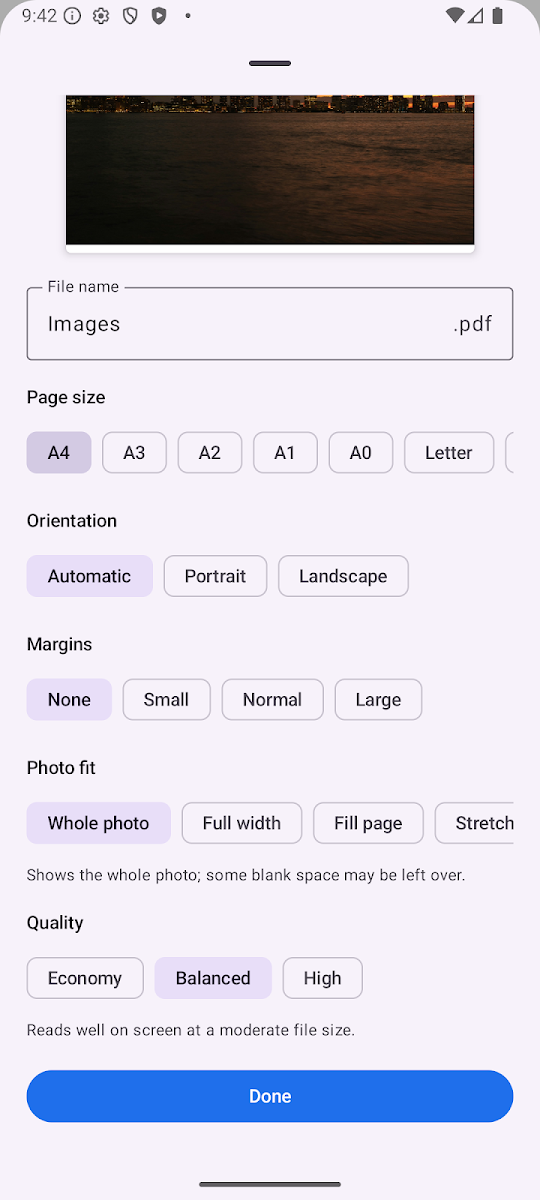
PDF options
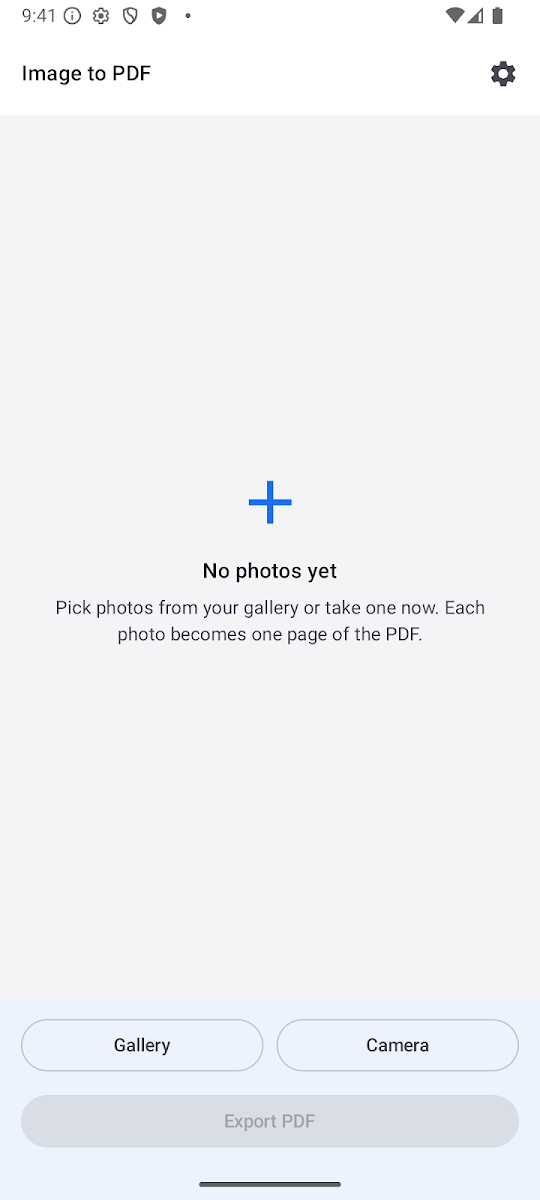
Add photos
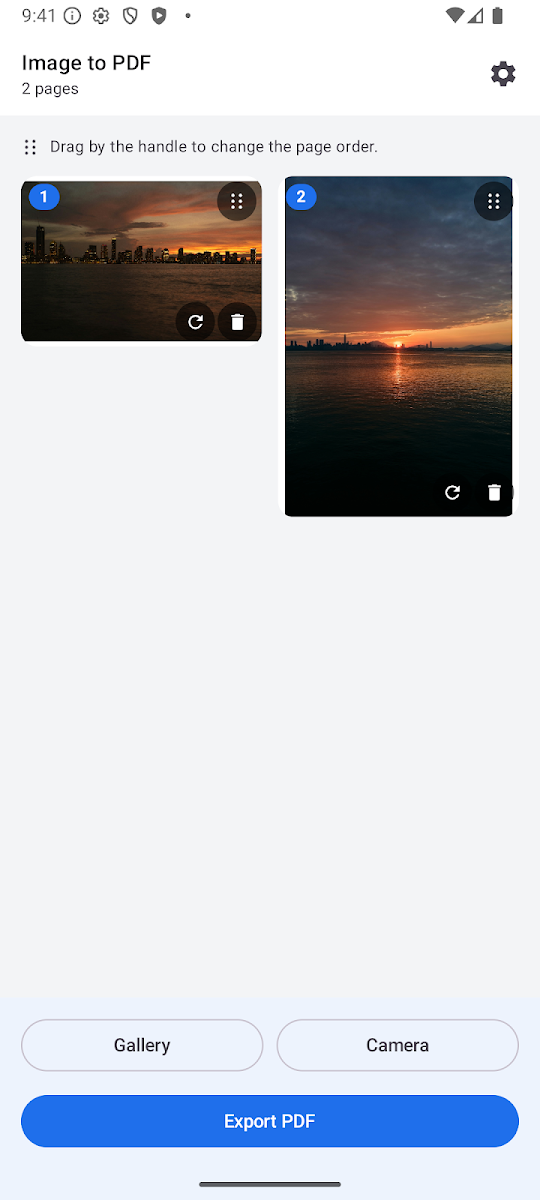
Reorder pages